Google Business Profile Tips: How to Get More Local Enquiries

Suley Tangun
Digital Marketing Specialist
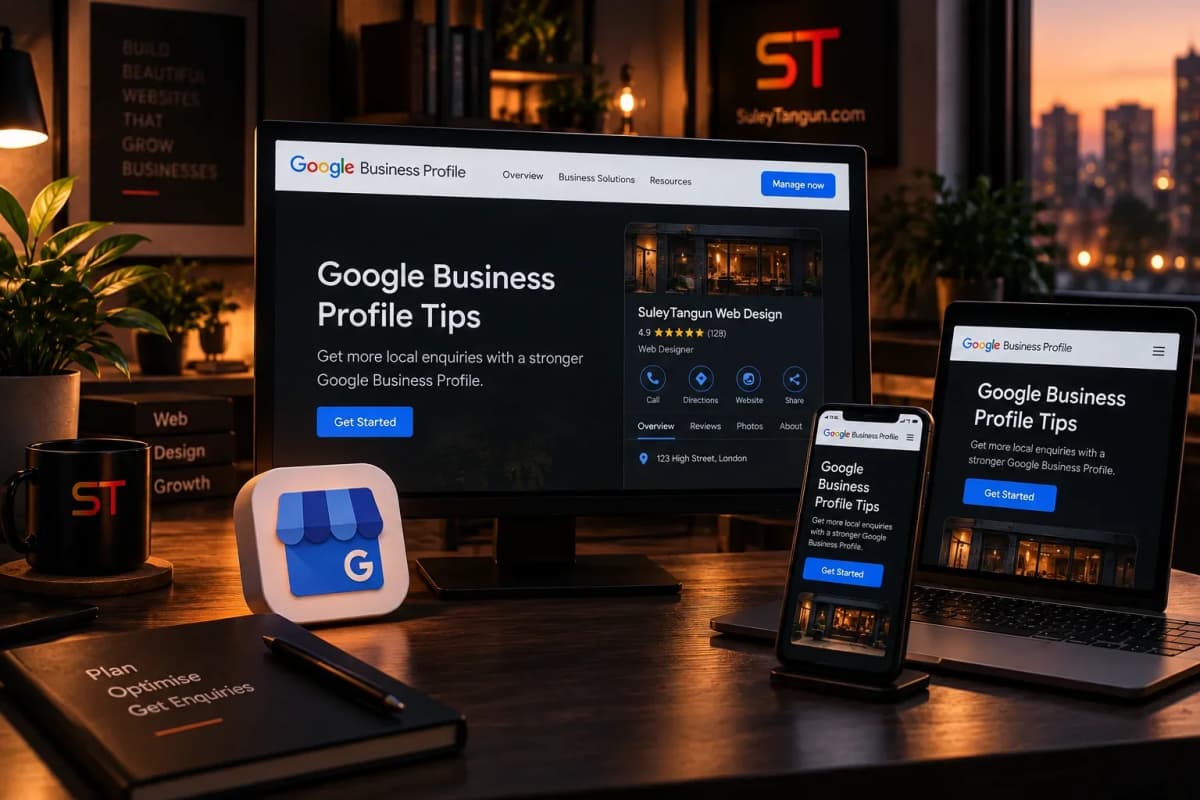
If you run a local business, your Google Business Profile may be one of the first things a potential customer sees. It can show your location or service area, opening hours, reviews, photos and contact options. A neglected profile can make a good business look less reliable than it is.
1. Check the basics are accurate
Make sure your business name, phone number, website, opening hours and service information are current. Update special hours when needed and remove outdated details that could send customers to the wrong place.
2. Choose the right business category
Select the category that best describes your main business, then add relevant additional categories where appropriate. Do not stuff your business name with extra keywords; follow Google's naming rules.
3. Explain your services clearly
Add accurate services and descriptions so people can understand what you offer. Your website should support this with dedicated service pages and clear information about the areas you cover.
4. Add genuine photos
Use recent, relevant photos of your premises, team, products or completed work. Do not use stock photos that misrepresent your business or publish images without permission.
5. Ask for honest reviews
Invite customers to leave an honest review after a genuine interaction. Respond professionally to positive and negative feedback, and never buy reviews or offer incentives in ways that breach platform rules.
6. Keep the profile active and useful
Update information when things change and use available profile features that genuinely help customers. Do not post filler simply to look busy.
7. Make sure your website matches
Your website should confirm what you do, where you work and how to contact you. Keep important details consistent and ensure the site works well on mobile.
What not to expect
There is no switch that guarantees the top spot on Google Maps. Local visibility depends on several factors, and competitors can be strong. Avoid anyone promising a guaranteed ranking or offering fake reviews.
Start by completing the profile properly and fixing any gaps on your website. These fundamentals are often more useful than chasing every new marketing trend. If you need help with your local website visibility, get in touch.
Sources
Related reading
Frequently asked questions
Is Google Business Profile free?
Yes, creating and managing a Google Business Profile is free for eligible businesses. Be wary of anyone charging simply to claim it without explaining their actual service.
Do Google reviews improve local rankings?
Reviews can contribute to local prominence and help customers choose a business, but no review count guarantees a particular ranking. Reviews must be genuine and comply with Google's policies.