PHP Security Flaw (php2shell): What to Do About Your Website

Suley Tangun
Digital Marketing Specialist
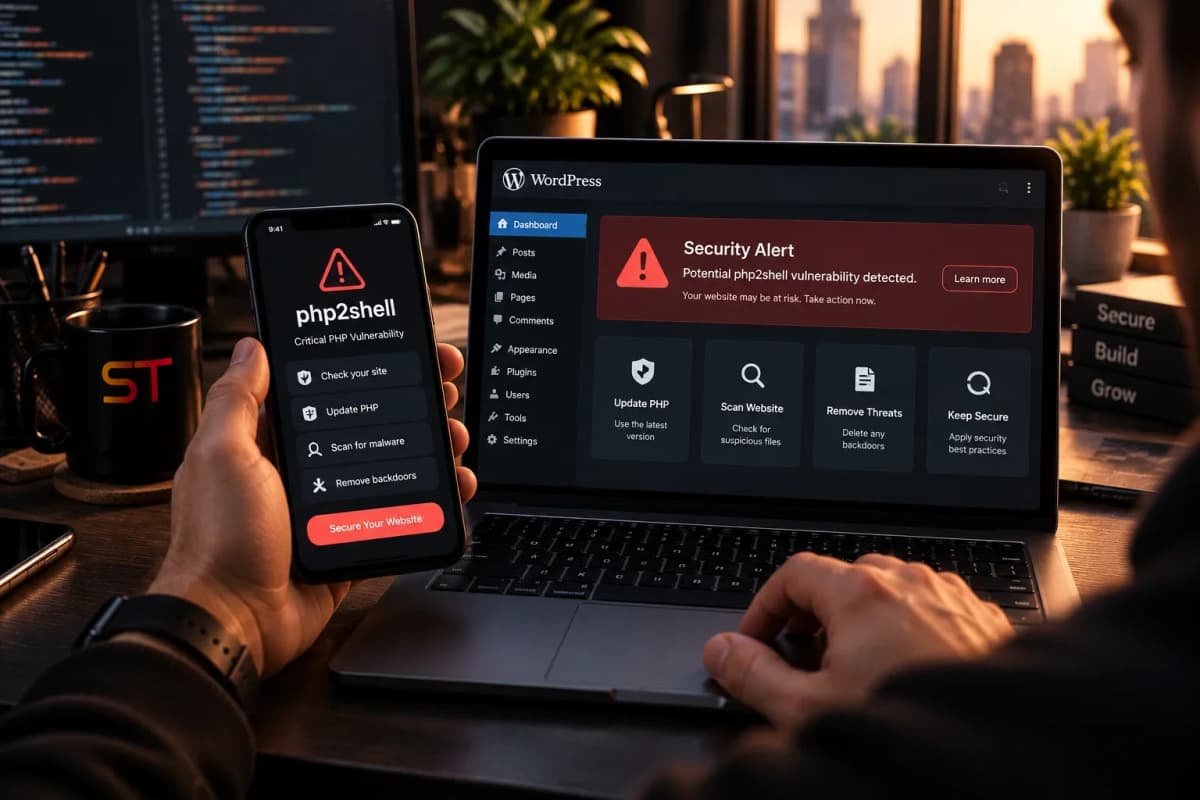
On 21 October 2026 the team that maintains PHP released emergency fixes for two critical security flaws. Councils, governments and Wikipedia's operator took systems offline while they updated. If your website runs on WordPress, WooCommerce or anything else built with PHP, this affects you, and it is not something you can fix from your WordPress dashboard.
The short version: PHP itself has a serious flaw, nicknamed php2shell. WordPress and plugin updates do not fix it. Your hosting company has to patch PHP on the server. Ask them to confirm it in writing today, and do not rely on the version number alone to tell you whether your site is safe.
This is a fast-moving story. Everything below is accurate as of 24 October 2026 and comes from the sources listed at the end, so check them for updates.
What has happened
PHP is the programming language that runs on the server behind a huge number of websites, including WordPress. When someone visits a page, PHP is the code that collects the data and builds what they see.
Researchers at the security firms Wiz and Calif found two serious flaws in PHP itself, tracked as CVE-2026-109618 and CVE-2026-109619 and nicknamed php2shell. Both are rated 9.2 out of 10 for severity. Under the right conditions, an attacker could use them to take control of a web server without needing to log in. The BBC reported that the researchers used AI tools to find them, and that the underlying bugs had sat in PHP for about a decade.
The fixes arrived on 21 October in four new releases: PHP 8.5.12, 8.4.27, 8.3.36 and 8.2.35. The UK's National Cyber Security Centre (NCSC) says organisations using any version of PHP are affected.
As of Friday 23 October the BBC reported no successful attacks, but plenty of attempts. Amazon recorded an exploitation attempt on 17 October, four days before the public announcement, and Cloudflare's chief executive said it had seen thousands of attempts in the hours before the announcement, rising to millions afterwards. The UK government took 32 of its own sites offline as a precaution.
Does this affect my website?
If your site runs on PHP, yes. That includes WordPress, WooCommerce, Joomla, Drupal, Magento and many custom-built sites.
If your site is on a hosted builder such as Wix, Squarespace or Shopify, the servers are the provider's responsibility, so look for a statement on their status page. This website is built on Next.js, not PHP, so there is nothing here for me to patch.
PHP also turns up in places people forget. Daniel Stewart of the risk firm LRQA told the BBC it is commonly found in the management screens of network equipment such as routers and load balancers, so check any advisories from your suppliers as well.
How to tell whether your site is patched
This is the part most guides skip. Many hosts fix the flaw without changing the version number, so a site can show an older number and still be safe, or look current and not be.
Start with the version. In WordPress, go to Tools, then Site Health, then Info, then Server. Your hosting control panel shows it too. A version of 8.5.12, 8.4.27, 8.3.36, 8.2.35 or newer includes the fix.
An older number does not mean you are unpatched. Codeable explains that hosting that uses CloudLinux can backport the fix, so a protected site can still show something like 8.5.11. GoDaddy says the same about its web hosting: patched builds keep the previous version number, and you can tell them apart by a build date of 21 October 2026 or later.
Site Health cannot see that build date. It only shows the version number. If you have server access,
php -vshows the build date. If you do not, your host is the right person to confirm it.So ask. A written yes from your host is worth more than any version number.
Why updating WordPress will not fix it
The flaws are in PHP itself, so installing the latest WordPress and plugin updates does nothing for them. The BBC quotes the ethical hacker Ken Munro saying the fix has to be applied to PHP and cannot be resolved by updating WordPress or its plugins, and Wordfence has said automatic WordPress updates will not install it either. Whoever runs your server has to do it. That is your hosting company, or whoever manages the server for you.
What to do today
Check your host's status page or support site first. Some hosts have already patched for their customers. GoDaddy, for example, says it patched Managed Hosting for WordPress on 21 October, and its Windows and standard web hosting on 22 October, with no action needed from customers.
Find out which PHP version your site uses, using Site Health or your hosting panel as above.
Ask your host or developer to confirm the fix is in. Copy and paste this: "Please confirm that the PHP security release of 21 October (8.5.12, 8.4.27, 8.3.36 or 8.2.35, or your distribution's equivalent) has been applied to my site, that PHP has been restarted so the fixed version is running, and what to do if I am on an older version."
If you run PHP 8.1 or older, expect no official fix. The PHP project no longer supports those versions. Ask whether your host provides its own patched build. If it does not, move the site to a supported version after testing it. WordPress recommends PHP 8.3 or newer, which is supported until the end of 2027.
If you run your own server, install your Linux distribution's updated PHP packages, or update to one of the fixed versions, then restart PHP and your web server. Back up first.
If it cannot be fixed quickly, the NCSC's advice is to apply the PHP project's temporary mitigations, which are incomplete, and if those cannot be applied either, to consider taking the system offline until it is fully protected. Cloudflare has also put protective rules in place that are available to all its customers, including those on the free plan. Treat that as a stopgap and not a substitute for updating.
Be wary of emails about this. Security researchers quoted by the BBC warned that scammers are likely to use the publicity for phishing, so do not click a link in an email about a PHP update. Go to your host's own site instead.
A second PHP flaw is still open
On 23 October GoDaddy reported that PHP has disclosed a separate vulnerability, CVE-2026-115560, which is not yet patched. PHP plans to fix it in its next routine release. The recommended stopgap is to set session.upload_progress.enabled to 0 in your PHP settings, which your host can do. If you manage your own server, set it in php.ini, restart PHP and test any file upload progress bars on your site. GoDaddy says it had this setting in place on its shared hosting before the announcement.
Signs your site may already have been attacked
The BBC reported no confirmed successful attacks as of 23 October, but that can change. If your site was running an unpatched version, look for:
Administrator accounts you do not recognise in WordPress, under Users.
Files or plugins you did not upload or install.
Sudden spikes in traffic, slowdowns, or your hosting provider warning about unusual activity.
Spam pages or odd redirects when you search for your own site on Google.
Make sure you have a recent backup you could restore from. If you are not confident checking your own site for signs of compromise, the NCSC suggests using an NCSC-assured incident response provider.
The older-PHP problem is bigger than this one flaw
PHP 8.2 stops receiving security fixes on 31 December 2026, and PHP 8.1 and older already have. Adding up the published WordPress.org figures, about 35% of WordPress sites are on PHP 8.1 or older, and a further 23% are on 8.2. Sites on versions that no longer get official fixes are the ones left most exposed when something like this happens.
That is the real lesson for a small business. Software you do not look after does not stay safe by being left alone, and the AI tools that found these bugs can help attackers as readily as defenders. I wrote about the wider cost of an ageing WordPress site in Is your WordPress website losing customers?, and about checking a site that was built quickly in Vibe-coding a website is great, but here is the catch.
Patch, or rethink?
For most WordPress sites, the right answer this week is simply to get PHP patched and to move off any version that is no longer supported. A rebuild is not a panic reaction to one bulletin.
It is worth asking, though, whether your site needs a server running PHP at all. A brochure site with a contact form often does not, and a simpler set-up has fewer moving parts to keep up to date. If you are weighing it up, my website price guide shows what a rebuild typically costs, and my web design and development page explains how I work. If you would like an honest view on whether to patch, upgrade or rebuild, get in touch and I will look at where your site stands.
Sources
BBC News: What is PHP and why did it spark a global cyber-security scramble? (22 October 2026, updated 23 October)
NCSC: Critical security issue affecting PHP (published 21 October, updated 23 October)
GoDaddy: Important PHP security update, what website owners need to do (patch dates, version numbers and the second flaw)
Codeable: PHP security release, what WordPress site owners need to do (checking a backported fix)
Help Net Security: PHP2Shell, critical PHP vulnerabilities patched (fixed versions and technical detail)
LBC: UK cyber security warning over critical PHP flaws (Wordfence comment)
A quick note: this is my own summary of public reporting, not formal security, legal or professional advice. Check with your hosting provider about your own site. These views are mine alone and do not reflect any employer or organisation I am affiliated with.
Frequently asked questions
What is the PHP security flaw, php2shell?
php2shell is the nickname for two critical flaws in PHP itself, tracked as CVE-2026-109618 and CVE-2026-109619, both rated 9.2 out of 10. Under the right conditions an attacker could take control of a web server without logging in. PHP released fixes on 21 October 2026.
What is PHP and why does it matter to my website?
PHP is the programming language that runs on the server behind a very large share of websites, including WordPress and WooCommerce shops. When a visitor opens a page, PHP is the code that gathers the information and builds it. A flaw in PHP itself therefore affects every site that uses it.
Do I need to update WordPress to fix the PHP flaw?
No. The flaws are in PHP, not in WordPress or its plugins, so WordPress updates do not fix them. The fix has to be applied to PHP on the server, which means asking your hosting company or developer to confirm the patched version is installed and running.
How do I know if my website has been patched?
Ask your host to confirm in writing that the 21 October PHP security release is applied. Do not rely on the version number alone: some hosts backport the fix, so a patched site can still show an older number such as 8.5.11. GoDaddy says patched builds on its web hosting carry a build date of 21 October 2026 or later.
Which PHP version should my website use?
A version that still receives security fixes and has the October patch: PHP 8.5.12, 8.4.27, 8.3.36 or 8.2.35 or later. WordPress recommends PHP 8.3 or newer. PHP 8.1 and older no longer get official fixes, and PHP 8.2 stops receiving security fixes on 31 December 2026.
Has my website been hacked?
The BBC reported on 23 October that no successful attacks had been confirmed, although there were many attempts. That could change, so check for administrator accounts you do not recognise, files you did not upload and unusual traffic, keep a recent backup, and confirm with your host that the fix is applied.
Should I take my website offline?
Only if it cannot be protected quickly. The UK's National Cyber Security Centre advises updating first, then applying the PHP project's temporary mitigations, and considering taking the system offline only if those cannot be applied. Check with your hosting provider first, because some are applying the fix for their customers.
Is there a second PHP vulnerability I should know about?
Yes. On 23 October GoDaddy reported a separate flaw, CVE-2026-115560, that is not yet patched. PHP plans to fix it in its next routine release. The recommended stopgap is to set session.upload_progress.enabled to 0, which your host can do.
Does the PHP flaw affect Wix, Squarespace or Shopify?
Those platforms run on their own servers, so the fix is the provider's responsibility rather than yours. Check each provider's status page for a statement. A WordPress, WooCommerce, Joomla, Drupal or Magento site on your own hosting is the case where you need to act.