Is Your WordPress Site Costing You Customers? 5 Warning Signs

Suley Tangun
Digital Marketing Specialist
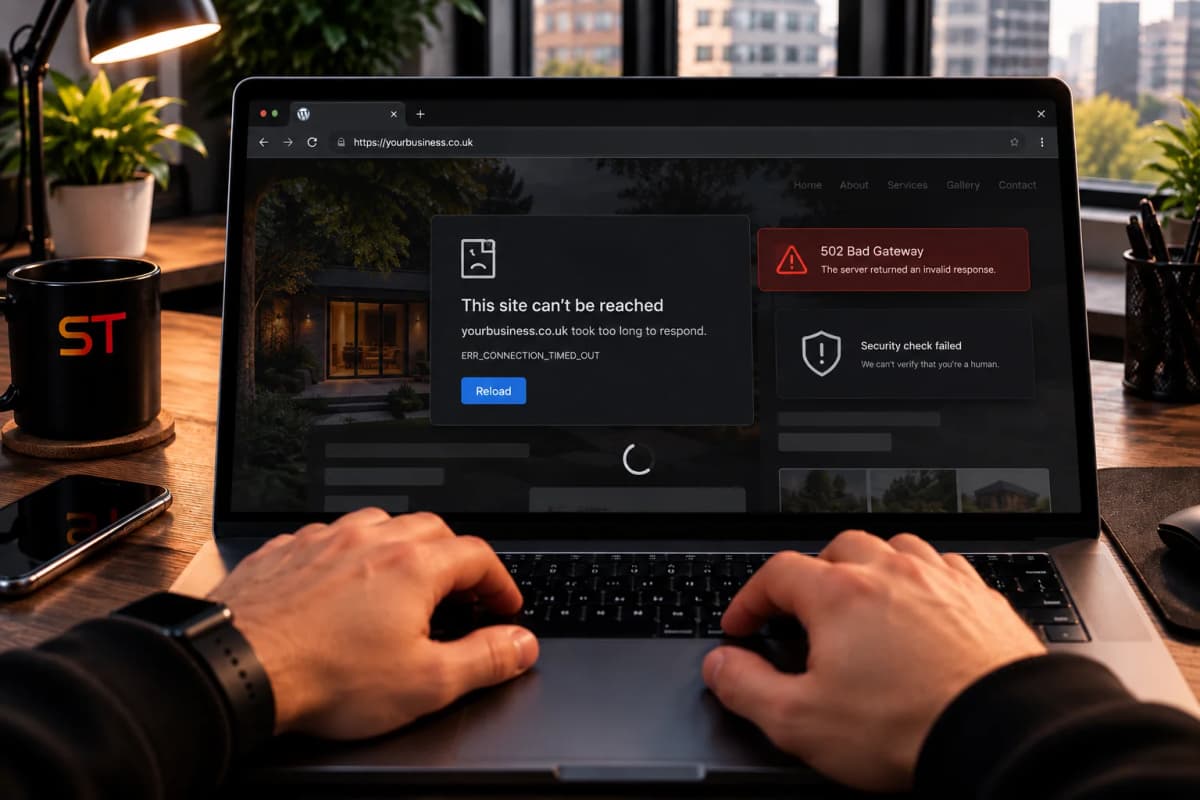
A WordPress site rarely fails in one dramatic moment. It slows down a little each month, a plugin falls behind on updates, a warning appears in someone's browser, and the enquiries that used to arrive quietly dry up. Nobody connects the dots, because the site still loads and still looks fine on the owner's laptop.
WordPress itself is not the problem. It powers a huge share of the web, and a well-maintained WordPress site can do a perfectly good job. The trouble starts when a site is built once and then left alone. Here are five signs that yours may be costing you customers.
1. Pages that load slowly
People decide fast. If a page takes several seconds to appear on a phone, many visitors leave before they see anything, and they rarely come back. Speed also matters to Google, which measures loading, responsiveness and visual stability as part of its Core Web Vitals and uses the mobile version of your site when it ranks you.
A Google and Deloitte study across 37 brands found that shaving just a tenth of a second off mobile load times lifted conversions, by up to 8.4% for retailers and 10.1% for travel sites. Your numbers will differ, but the direction is clear: slow costs money.
Common causes on WordPress sites are heavy themes, too many plugins, uncompressed images and cheap shared hosting. You can test yours for free with Google's PageSpeed Insights. Use the mobile result, because that is the one that counts.
2. Plugins and themes nobody has updated
Security firm Patchstack publishes a yearly report on WordPress vulnerabilities, and the pattern is consistent: the large majority, roughly nine in ten, are found in plugins, with very few in WordPress itself. A plugin that has not been updated in a year or more, or that its developer has abandoned, is the sort of weak spot attackers look for.
Log in and check the Updates page. A long list waiting, or plugins you do not recognise, is a warning sign in itself.
3. Security warnings and odd behaviour
If Google flags a site as unsafe, visitors see a full-page warning in their browser instead of your homepage. Other signs include strange pages appearing in search results, spam arriving through your contact form, or your host emailing you about unusual activity. Any of these can cost you trust that takes a long time to rebuild.
4. A site that feels clunky on a phone
Most visitors arrive on a phone. Tap targets that are too small, forms that are awkward to fill in, menus that jump around and pop-ups that cover the page all push people away at the moment they were about to get in touch. Open your own site on your phone and try to make an enquiry the way a stranger would.
5. Nobody dares touch it
If every update feels risky because it might break something, the site slowly falls further behind. Often the person who built it has moved on, there is no recent backup, and nobody is sure who is responsible when something goes wrong. A site you are afraid to update is a site that will get worse.
What to do about it
You have three realistic options, and the right one depends on how much is wrong.
- Tidy and maintain. Update everything, remove unused plugins, compress images, take a proper backup and move to better hosting if needed. This is often enough when the site is basically sound.
- Fix the problem areas. If one thing causes most of the trouble, such as a heavy page builder or a theme that is no longer supported, replace that part and leave the rest.
- Rebuild. When the site is slow, patched together and hard to change, a fresh build is often cheaper in the long run than years of repairs. A new website from me typically costs between £800 and £4,000 depending on what you need, and my pricing guide explains what moves that number.
If you do rebuild, protect your search rankings by redirecting every old address to its new equivalent. My launch checklist covers how. Using AI to speed up a rebuild is fine too, as long as someone checks the result, which I cover in Built Your Website with AI?
Not sure which of the three applies? Send me your link and I will tell you what I would fix first. Get in touch and I will take an honest look.
See it in action



Frequently asked questions
How do I know if my WordPress site is slow?
Run your address through Google's PageSpeed Insights and read the mobile result, then open the site on your own phone using mobile data. If pages take more than a few seconds to show anything useful, visitors are probably leaving.
Is WordPress itself unsafe?
Not on its own. The vulnerabilities reported each year are overwhelmingly in plugins and themes, not in WordPress itself. Keeping everything updated, removing what you do not use and choosing well-supported plugins lowers the risk a lot.
How often should a WordPress site be updated?
Check at least once a month, and apply security updates as soon as they are released. Take a backup first, and test your key pages, such as the contact form, afterwards.
Is it better to fix my WordPress site or rebuild it?
If the site is basically sound, maintenance and targeted fixes are usually cheaper. If it is slow, hard to change and held together with patches, a rebuild often costs less over a few years. A quick look at the site will tell you which applies.